Accelerate Your Productivity and Lay Out More Points
Engineered, designed, and refined for the realities of the construction industry, Trimble FieldLink is the most advanced and intuitive field layout platform available today. Closely mirroring real-world processes and workflows, Trimble FieldLink brings unmatched versatility to your daily layout tasks. Whether your project resides within a traditional 2D or building information modeling (BIM) environment, TFL provides a powerfully simple interface that empowers you to lay out more points in less time.
Combined with powerful reporting, QA/QC capabilities, and advanced in-field documentation tools, Trimble FieldLink software brings the full spectrum of field layout technology to your project.
A Seamless Workflow From Office to Field
Bridge the gap between the design and on-site teams with Trimble FieldLink, ensuring everyone has a single source of truth for the project. With an extensive feature list, FieldLink makes it easy to translate designs and blueprints into real-world environments.
Prepare Data With Confidence
FieldLink allows teams to import models from a wide range of computer-aided design (CAD) and BIM sources. If the layouts need edits or reworks, you can complete them in the CAD and BIM software before sending them to the field team, helping minimize errors.
With its intuitive design and user-friendly interface, your team doesn't need advanced CAD knowledge to get started with this application. You can also take advantage of flexible subscription plans to make sure the right team members have access to FieldLink.
Execute Flawless BIM-to-Field Layout
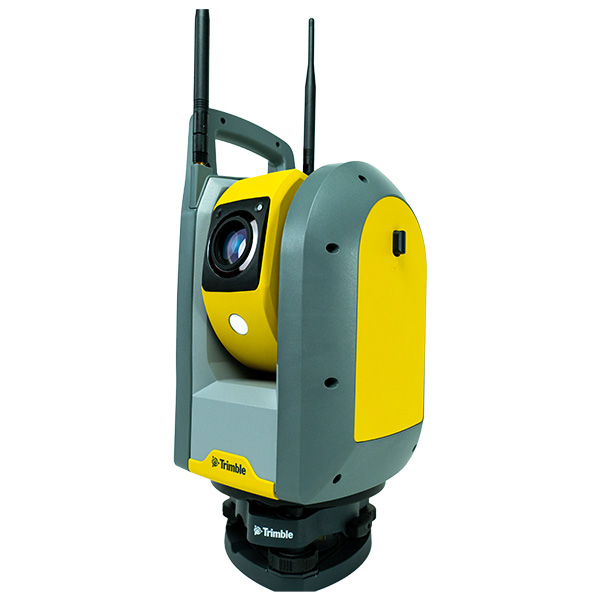
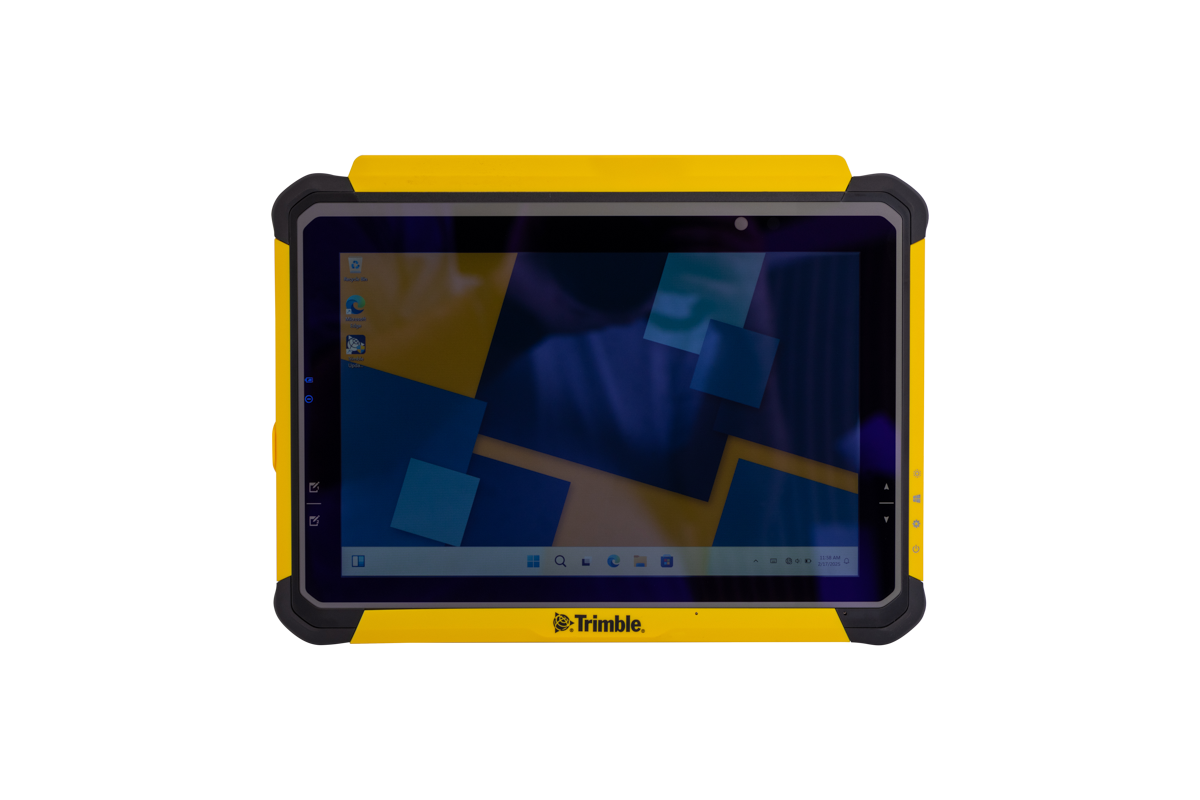
You can accurately visualize 2D and 3D models directly on the job site when you use Trimble FieldLink. This software can easily integrate with robotic total stations and global navigation satellite system (GNSS) receivers, enabling one-person layout operations. With FieldLink, what you see on the tablet is what you will lay out on the site.
Report and Verify Instantly
Trimble FieldLink is supported by powerful in-field reporting tools, which enable your crews to generate layout and as-built deviation reports directly from the tablet. This feature provides instant quality control data for virtual design and construction (VDC) managers, eliminating the need for them to visit the site. It also enables your teams to maintain accurate digital records of projects.
Trimble FieldLink FAQs
What is Trimble FieldLink?
Trimble FieldLink construction software is a comprehensive construction layout software designed specifically for contractors, providing tools to enhance productivity, accuracy, and efficiency in the field.
What hardware is compatible with Trimble FieldLink?
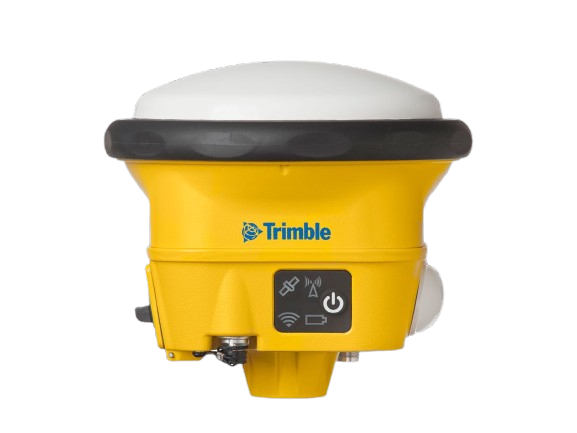
Trimble FieldLink works with Trimble Tablets, Trimble Robotic Total Stations, Trimble Rapid Positioning Tools, GNSS receivers and Trimble Scanners, ensuring flexibility for different layout tasks.
Is Trimble FieldLink customizable?
The highly customizable interface of the Trimble FieldLink software allows users to adjust views, such as full-screen, list, 2D overhead map, or 3D map, to fit their specific needs and enhance usability.
How does Trimble FieldLink improve layout accuracy?
It provides precise 2D and 3D job data in the field, active tracking technology, and integration with Trimble Vision and Visual Layout technologies, ensuring high accuracy in layout tasks.
What support and training options are available for Trimble Field Link users?
We offer a variety of quality, flexible training options led by our team of experts to further your team's skills and maximize your investment.